Talk It!
Tools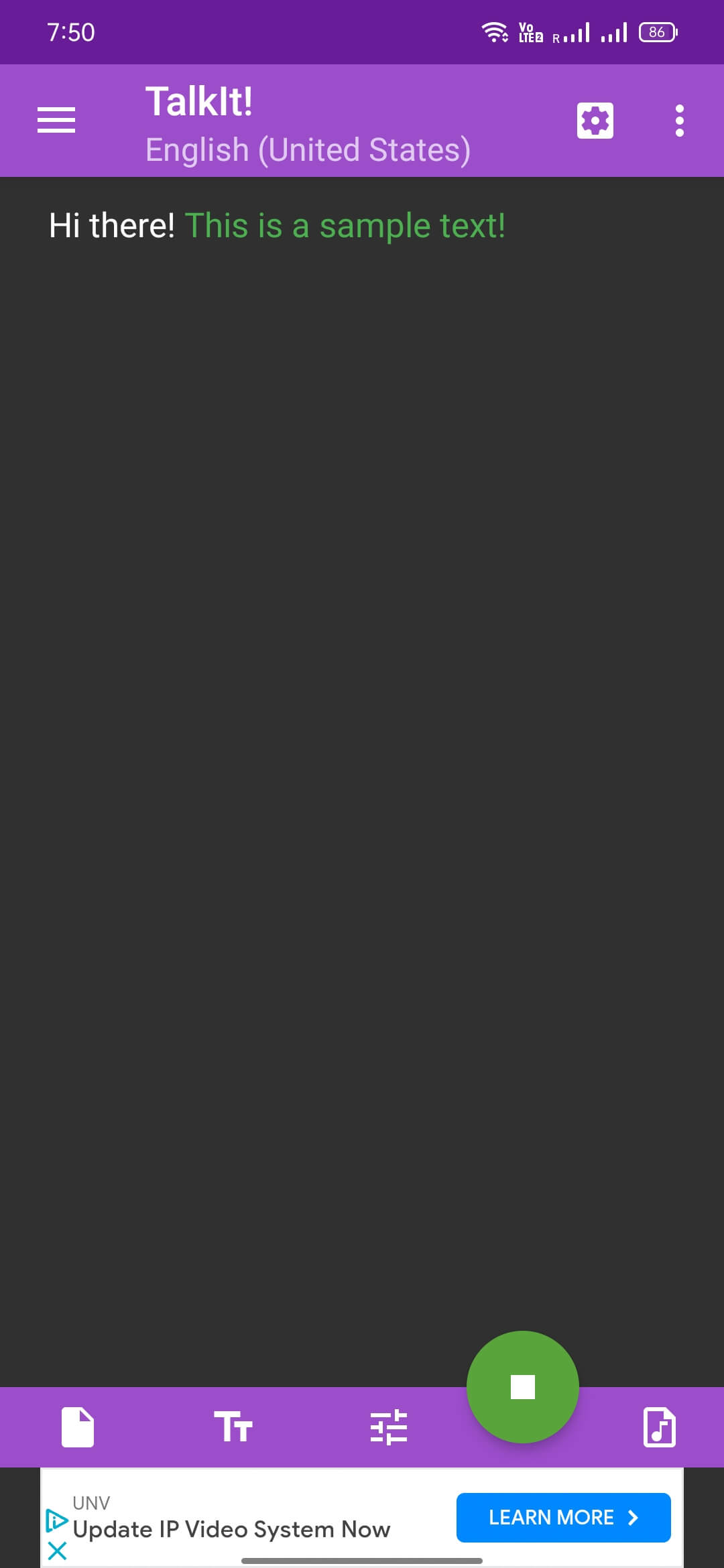
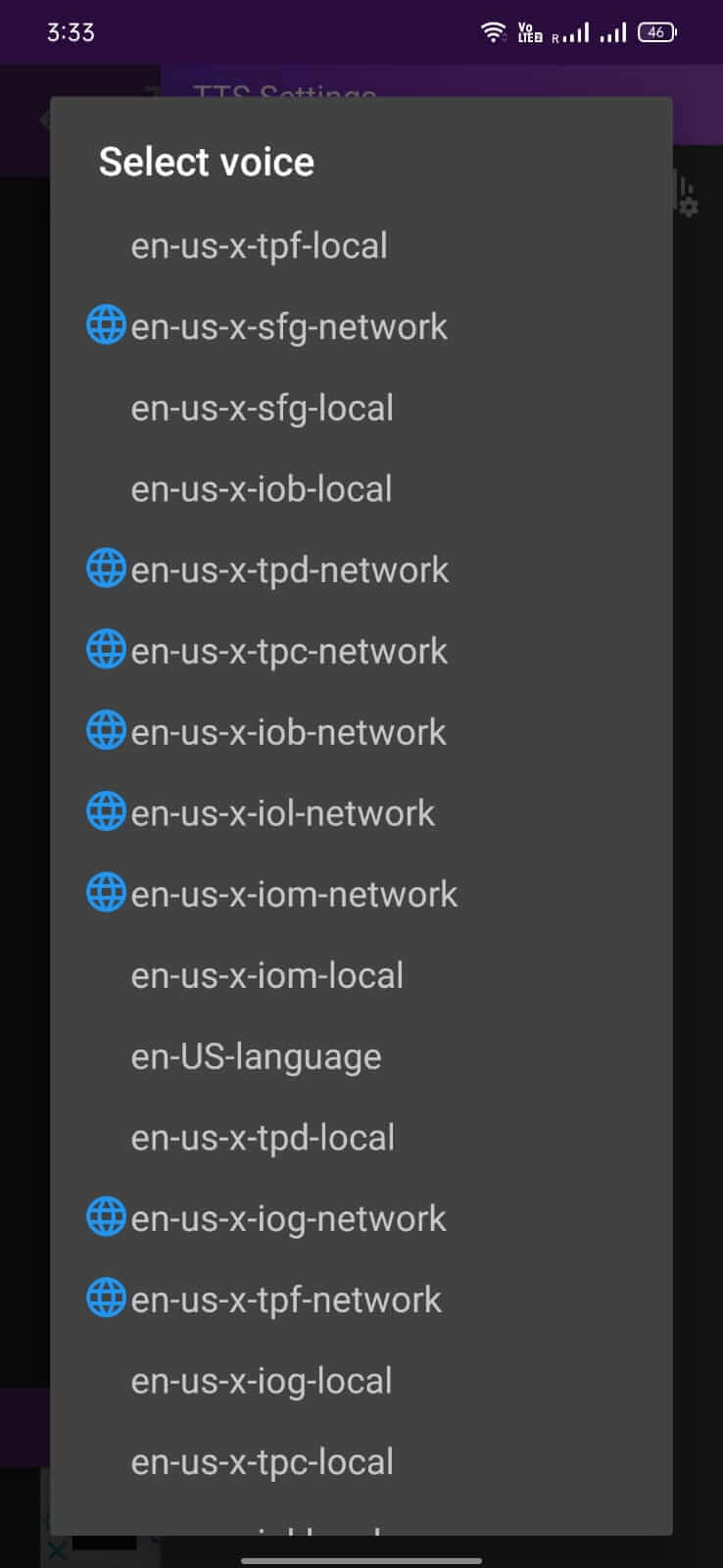
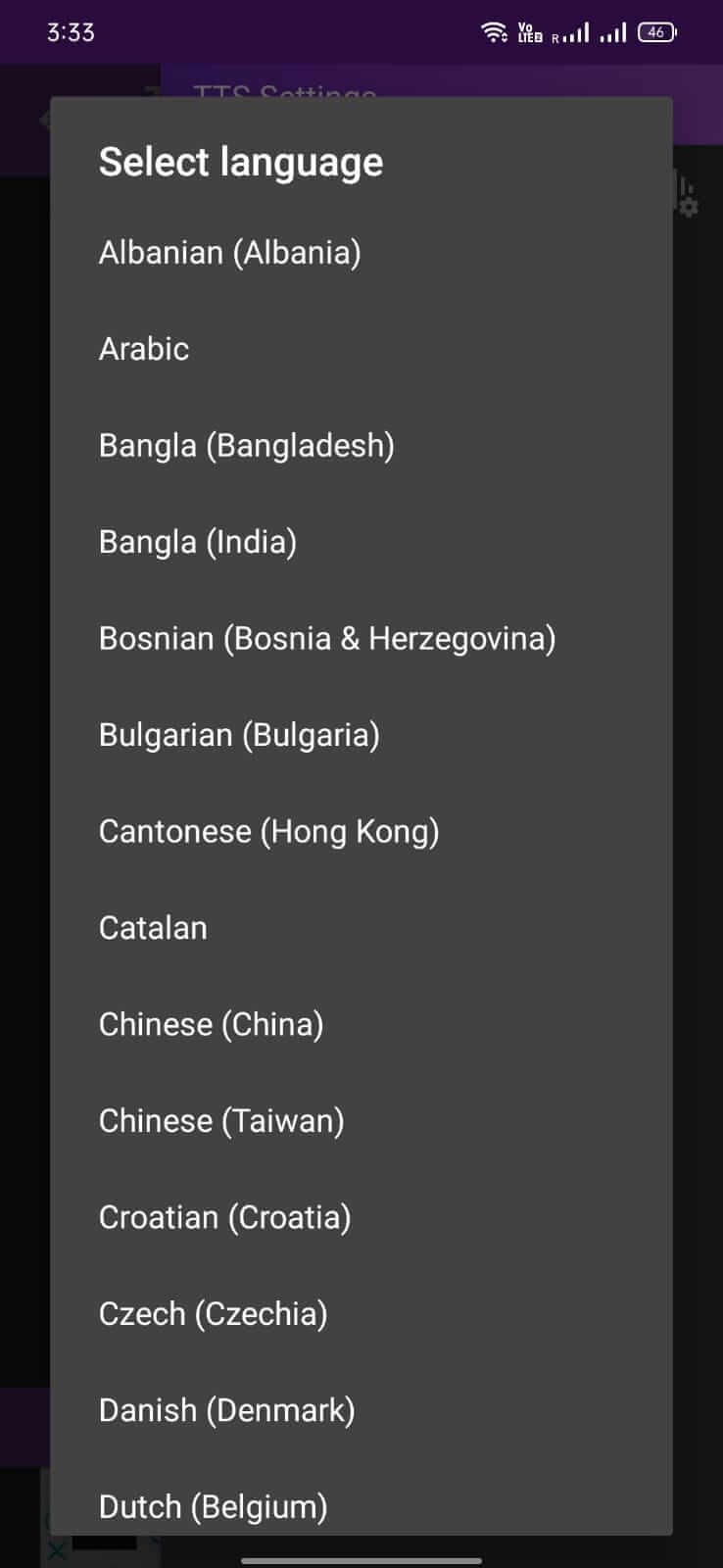

Talk It! is a lightweight Android application that turns written text into spoken audio. It is useful for creating voice‑overs for videos, adding narration to presentations, or simply listening to text while on the go.
This page provides the latest APK details, installation steps, compatibility notes, and practical tips to help you get the most out of Talk It!.
Quick Information
| App/Game Name | Talk It! |
| Latest Version | 1.8.0 |
| Developer | Not listed |
| Category | Apps / Tools |
| App Size | 6.24 MB |
| Package Name | com.intradarma.talkit.free |
| Last Updated | 19 January 2026 |
What Is Talk It!?
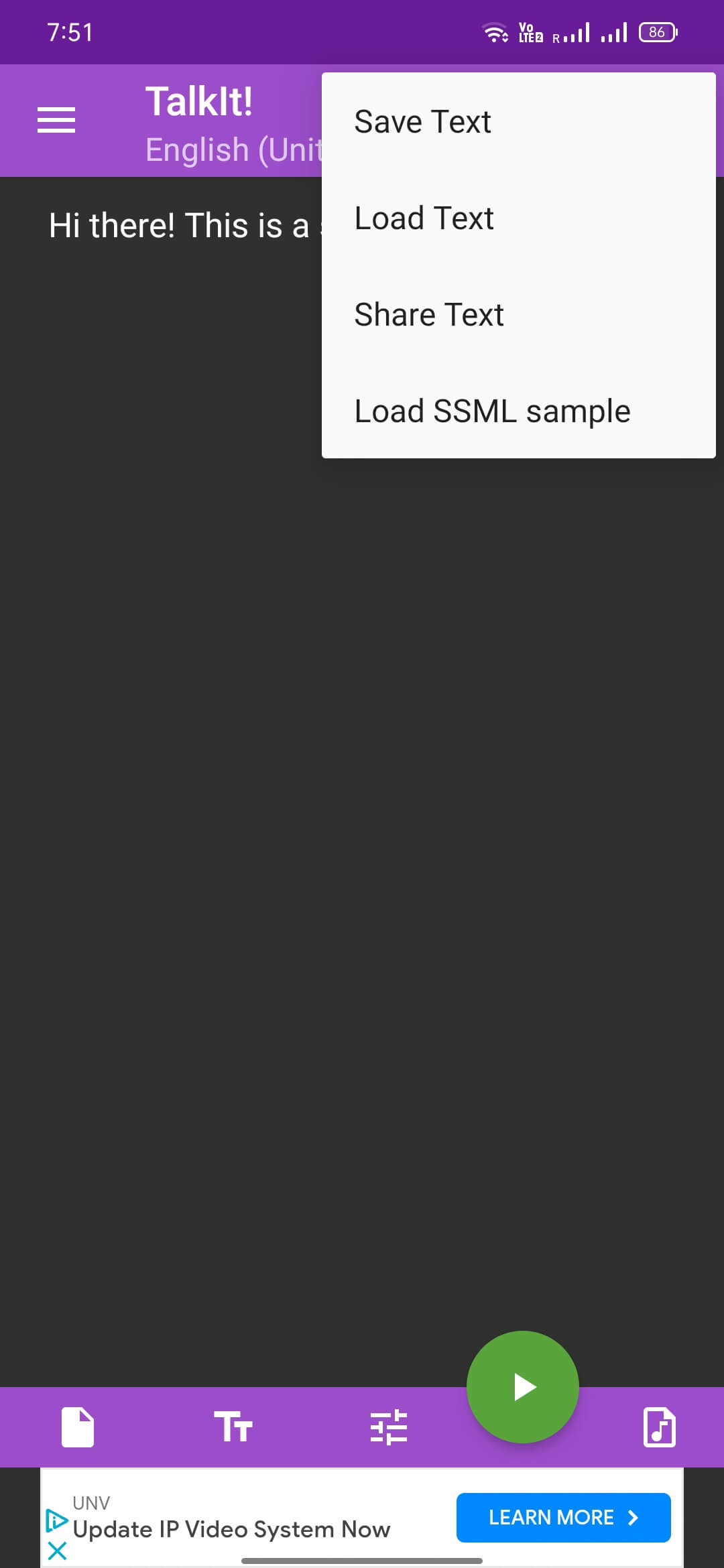
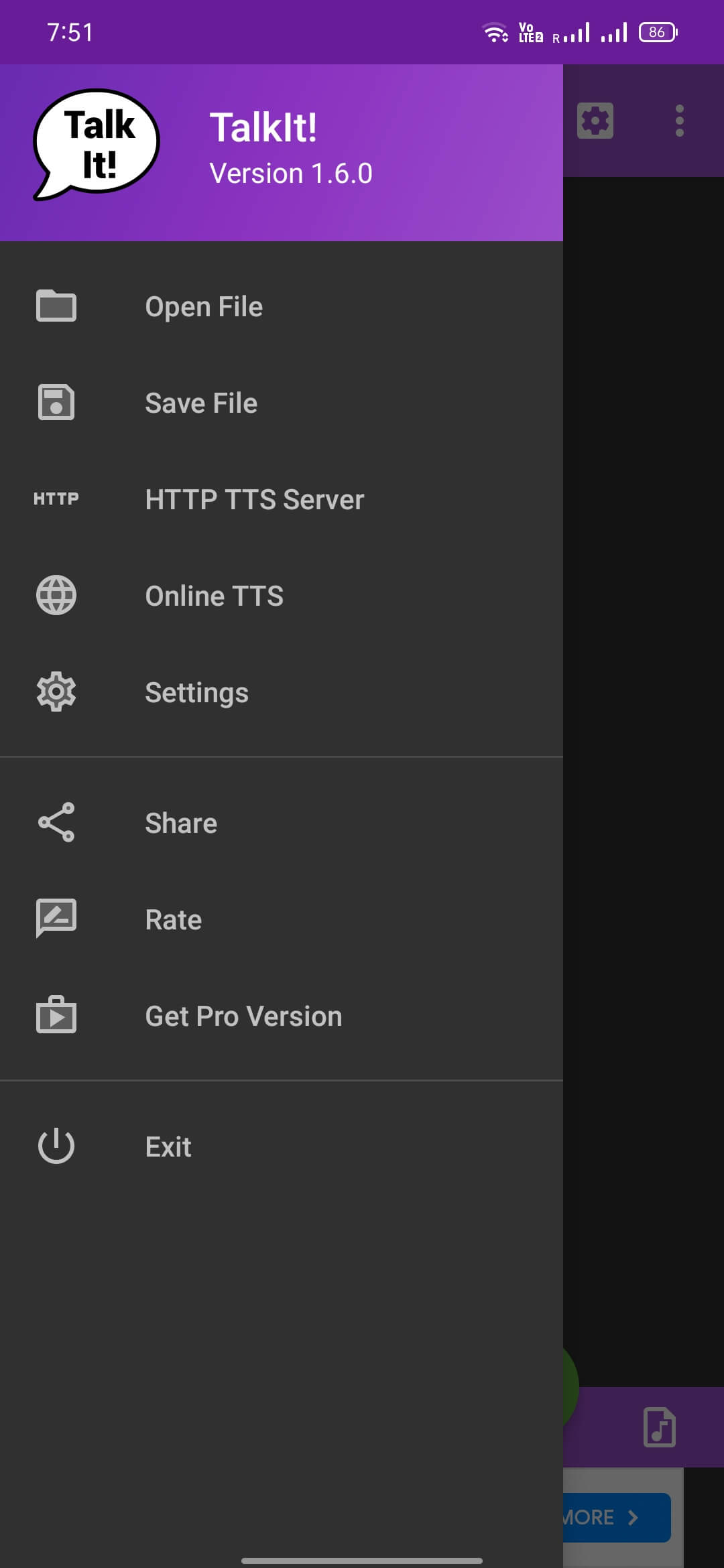
Talk It! offers basic text‑to‑speech conversion. Users type or paste text, press play, and the app reads the content aloud. The tool is aimed at anyone who needs quick voice output without installing a full‑featured suite, making it handy for content creators, students, and casual users alike. It does not include advanced editing or deep‑learning voice customization.
Compatibility
Compatibility
| Android Version | ✓ Verified — Android 5.0 and later |
| Architecture (ARM64 / 32-bit) | Not Verified |
| Internet Connection | ✓ Verified — May be required for ads, updates, or login |
| Storage Needed | Not Verified |
| OBB/Data Files | Not Verified |
| Root Required | Not Verified |
How to Install
- Download the Talk It! APK file to your Android device.
- Before installing, open Settings → Security (or Privacy → Install unknown apps) and enable installation from the source you used.
- Locate the downloaded APK in your file manager and tap it to start the installation.
- Follow the on‑screen prompts and tap Install. Once finished, tap Open to launch Talk It!.
- If you see a warning about the app being from an unknown developer, confirm that you trust the source before proceeding.
Troubleshooting
- App not installed: Ensure the APK is compatible with your Android version and that you have allowed installations from unknown sources.
- Crashes on startup: Clear the app cache via Settings → Apps → Talk It! → Storage → Clear cache, then try opening again.
- No audio output: Check that your device’s volume is turned up and that the app has permission to use the speaker.
- Text not converting: Verify that you entered text in the input field and pressed the play button; restarting the app often resolves temporary glitches.
Safety & Security
Talk It! is a standard APK that has been repackaged from its original source. When downloading, always use a reputable site and verify the file’s integrity if a hash is provided. Review the permissions the app requests; it should only need access to audio output and storage for saving files. Avoid entering sensitive personal data into the app, and keep an eye on updates—new versions may change behavior or require re‑granting permissions.
How Talk It! Compares
| Feature | Talk It! | Google Text‑to‑Speech | Narrator’s Voice |
|---|---|---|---|
| Price / Free model | Free | Free (system component) | Free with ads |
| Platform availability | Android | Android (built‑in) | Android & iOS |
| Standout feature | Simple, on‑device text‑to‑speech conversion | System‑wide TTS engine used by many apps | Large library of voices and ability to export audio files |
| Best for | Quick voiceovers without extra setup | Apps that need a reliable TTS engine | Creating shareable audio clips with varied voices |
Alternatives
- Google Text‑to‑Speech: Integrated into Android, provides high‑quality voices for system and third‑party apps.
- Narrator’s Voice: Offers many voice options and lets you save speech as audio files for later use.
- Speech Central: Focuses on reading articles, ebooks, and web pages aloud, with a clean interface.
- Voice Aloud Reader: Reads text from other apps, PDFs, and web pages, useful for hands‑free reading.
Final Verdict
Talk It! is a straightforward, free text‑to‑speech utility that works well for quick voice‑over tasks. Its minimal interface makes it easy for beginners, though power users may miss advanced voice customization. Before installing, verify the APK source and be aware that the app only offers basic TTS functionality.
Frequently Asked Questions
Download Talk It! only from trusted sources, review the permissions it asks for, and avoid entering personal data unless you trust the app.
The exact minimum Android version is not listed; the compatibility table on the page shows which versions are verified.
Yes, Talk It! performs text‑to‑speech conversion on the device, so an internet connection is not required for basic use.
The app’s language support details are not specified, but most basic TTS tools include at least English.
If the app includes a save option, you can store the generated audio file in your device’s storage; otherwise, you may need to use a screen‑recording or audio‑capture tool.
Talk It! operates independently and does not replace the system TTS engine, so it should not interfere with other applications.
Yes, you can install a newer APK over the current version; the installer will prompt to replace the existing app.
No premium or paid version is mentioned; the app is listed as a free tool.